

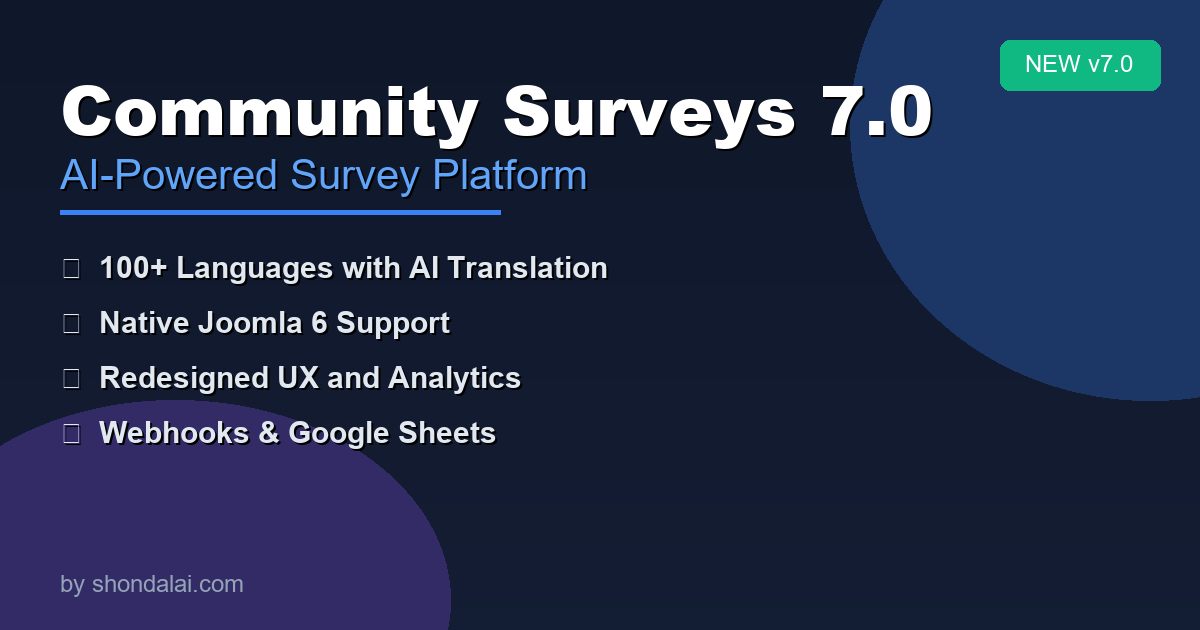
We're thrilled to announce the release of Community Surveys 7.0. It features a complete redesign of our professional survey platform. The platform is built from the ground up for Joomla 5 and 6. It comes with an exciting new feature: AI-powered translations.
What's New in Version 7.0
AI-Powered Translations — Reach a Global Audience
The headline feature of this release is our new AI Translation capability. With a single click, you can now translate your entire survey. This includes all questions, options, descriptions, and completion messages. The translation is available in 100+ languages.
No more manual translations. No more expensive translation services. Simply:
- Create your survey in your primary language
- Click the "AI Translate" button
- Select your target languages
- Done — your survey is now multilingual
The AI understands context, maintains survey-specific terminology, and preserves the intent of your questions across languages. You might be conducting international market research. You could be gathering feedback from a global customer base. You may also run academic studies across multiple countries. Community Surveys 7.0 has you covered.
Complete Joomla 6 Compatibility
We've rebuilt the entire codebase to meet the latest Joomla 5/6 standards:
- Modern PHP 8+ architecture with full namespace support
- Service Provider pattern for clean dependency injection
- Joomla MVC Factory integration for reliable component instantiation
- Enhanced security with proper ACL implementation and CSRF protection
- Accessibility improvements following WCAG 2.1 guidelines
If you're running Joomla 5 or planning to upgrade to Joomla 6, Community Surveys 7.0 is ready for you.
Real-Time Analytics with Chart.js
Watch responses flow in with our live analytics dashboard:
- Beautiful, interactive charts powered by Chart.js
- Response breakdowns by question type
- Trend analysis over time
- Demographic segmentation
- Export to PDF for stakeholder reports
- CSV/Excel export for further analysis
Seamless Integrations
Connect Community Surveys to your existing workflow:
Google Sheets Integration
- Automatically sync every response to a Google Sheets spreadsheet
- Real-time updates as responses arrive
- OAuth 2.0 authentication for secure access
- Perfect for team collaboration and live dashboards
- No manual exports needed — everything syncs automatically
Webhook Support
- Send response data to any webhook URL
- Compatible with Zapier, Make, n8n, and custom APIs
- Configure HTTP method (POST, PUT), headers, and authentication
- Trigger automated workflows: send emails, update CRMs, post to Slack
- Transform data with custom payload formats
- Build unlimited automation scenarios
Why Upgrade to 7.0?
| Feature | Previous Versions | Version 7.0 |
|---|---|---|
| AI Translation | ❌ | ✅ 100+ languages |
| Joomla 6 Support | ❌ | ✅ Full compatibility |
| PHP 8+ | Partial | ✅ Full support |
| Modern Namespaces | ❌ | ✅ PSR-4 compliant |
| Chart.js Analytics | Basic charts | ✅ Interactive, real-time |
| Google Sheets Sync | Available | ✅ OAuth 2.0 integration |
| Webhooks | ❌ | ✅ Zapier, Make, n8n |
| Mobile Experience | Responsive | ✅ Touch-optimized |
Complete Package
Community Surveys 7.0 includes everything you need:
Core Component
- Full administrator interface with survey builder
- Public-facing survey participation
- Response management and analytics
4 Modules
- Survey list display
- Category browser
- Single survey embed
- Results showcase
8 Plugins
- AcyMailing integration (email campaigns)
- Content plugin (article embedding)
- Editor button (quick insert)
- Smart Search indexing
- Privacy/GDPR compliance
- Scheduled tasks (automated actions)
- User integration (profile surveys)
System Requirements
- PHP: 8.1 or higher
- Joomla: 5.0+ or 6.0+
- MySQL: 8.0+ or MariaDB 10.4+
- Browser: Modern browsers (Chrome, Firefox, Safari, Edge)
How to Upgrade
- Backup your site — Always backup before upgrading
- Download Community Surveys 7.0 from the Shondalai website
- Install via Joomla Extension Manager
- The installer will automatically migrate your existing surveys and responses
- Test your surveys to verify everything transferred correctly
Note: Community Surveys 7.0 requires Joomla 5.0 or higher. If you're on Joomla 4.x, please upgrade Joomla first.