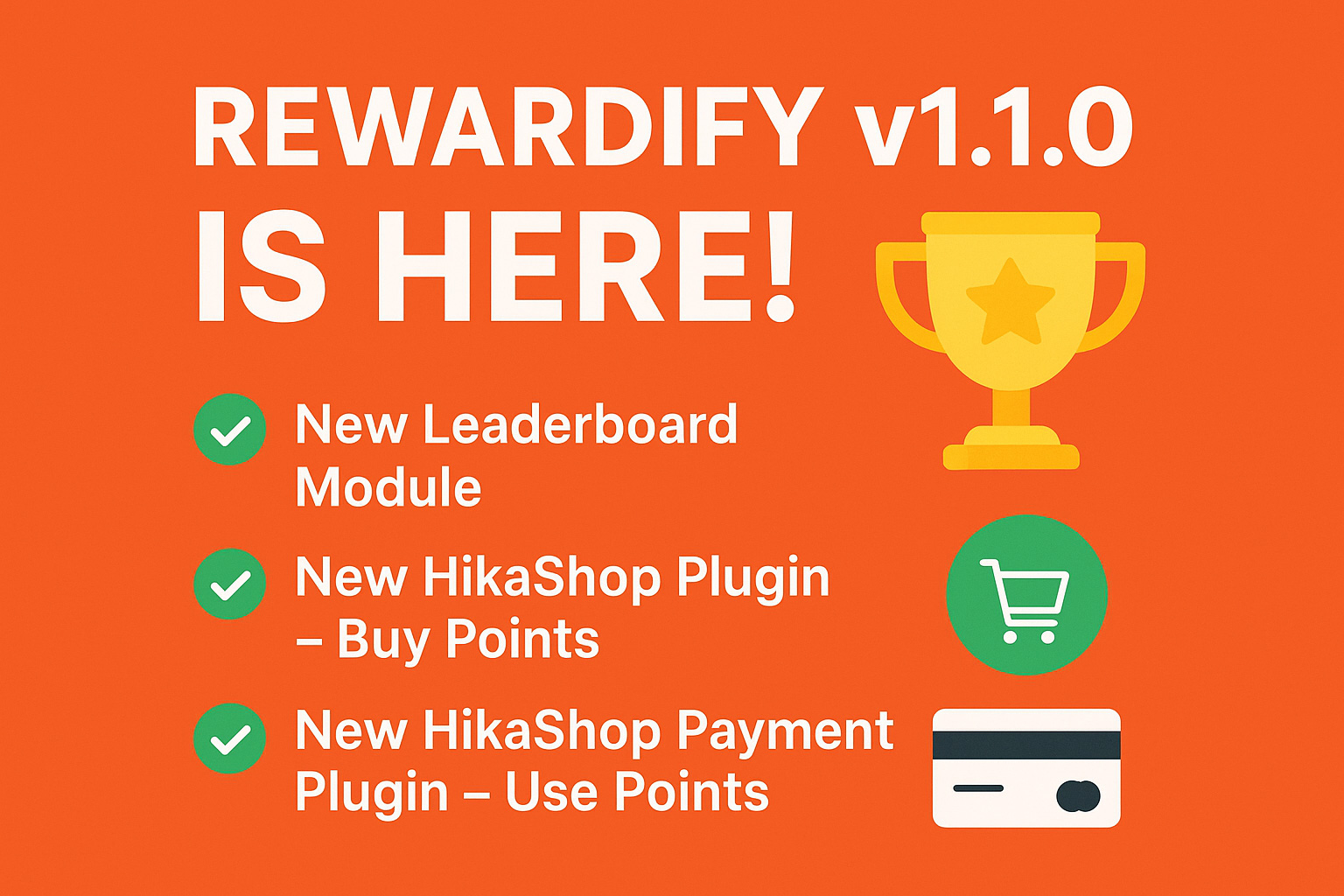
We are excited to announce the release of Rewardify v1.1.0! This new version comes with some amazing features that make your reward system even more powerful and flexible.
Here’s what’s new in this release:
🏆 New Leaderboard Module
Now you can showcase your top users with the brand-new Leaderboard module. Motivate your community, increase engagement, and let your users compete for the top spot!
💳 New HikaShop Plugin – Buy Points
With this new plugin, your users can purchase Rewardify points directly from HikaShop. This gives them more ways to collect points and participate in your rewards program.
🛍️ New HikaShop Payment Plugin – Use Points
Your users can now use their Rewardify points as a payment method in HikaShop. This makes your points more valuable by allowing customers to spend them on real products.
🚀 Upgrade Today
Update to Rewardify v1.1.0 and take full advantage of these new features. With the leaderboard, point purchases, and point-based payments, your reward system just got a big boost!
In the ever-evolving landscape of online platforms, user engagement is the key to success. We understand the importance of keeping your audience connected and involved, and that's why we're thrilled to introduce our latest extension – the Rewardify User Points Joomla! Extension.
Seamless Engagement, Effortless Rewards
Our new extension is a game-changer for any website looking to enhance user interaction. It's designed with simplicity and efficiency in mind, offering a user-friendly interface that ensures a smooth experience for both you and your visitors.
How It Works: The Efficient Point System
At the heart of this extension is a robust and efficient points system. Easily reward your users for their interactions on your site, creating a positive cycle that keeps them coming back for more. Whether it's making a purchase, leaving a review, or simply visiting your site regularly, our extension incentivizes every action.
Seamless Integration for a Streamlined Experience
Worried about disrupting your site's flow? Fear not! Our Rewardify User Points Extension seamlessly integrates into your existing platform. No need for major overhauls – simply activate the extension, and watch as engagement levels soar.
Tailor-Made for Your Sites: Integration Options
Recognizing the distinctiveness of each website and its utilization of various extensions, we've equipped our extension with a robust yet user-friendly API. This API facilitates seamless integration, allowing you to effortlessly connect your extensions with Rewardify. Additionally, we provide a set of bundled plugins designed to streamline integration with many extensions including Joomla core extensions, Shondalai extensions, and some of the popular third-party extensions.
Unlock the Power of Engagement: Key Benefits
Boost Engagement: Keep your users actively involved and interested in your site.
Foster Loyalty: Transform casual visitors into loyal customers by offering enticing rewards.
Drive Conversions: Increase your conversion rates as users strive to earn more rewards.
Ready to Elevate Your Online Presence?
Our Rewardify User Points Extension is where simplicity meets effectiveness. Elevate user engagement, foster loyalty, and drive conversions – all with a single, powerful tool. Don't miss out on the opportunity to create a rewarding experience for your users.
Get Started Today!
Ready to take your user engagement to new heights? Get your copy of Rewardify now and witness the positive impact on your site. It's time to make every interaction count!
Are you creating a questionnaire that requires similar answers across many questions or surveys? We are bringing a new feature that allows you to make the job easier for you. One of the most requested and most useful features, Answer Presets, is now available on Community Surveys.
What are Answer Presets?
Answer Presets are the simplest way to create repeated sets of answers across multiple questions. For example, if you are creating a Likert scale questionnaire that requires 10 questions with the same answers, Answer Presets can help you quickly create them, without needing to type in the answers in every question.
Since the Answer Presets are maintained separately, you can use them across any survey once they are created. You can manage them just like a survey.
Important features
Here are the salient features.
Create an answer preset and add as many answers as you want in a single preset
Sort the answers as per your requirement in an answer preset
Add the entire preset to a question with a single click
You can also edit answers to the preset before adding them to the question
Bonus Feature
We also bring another addition to the survey form – bulk import answers. With the same form used for importing Answer Presets, you can also enter your custom answers and import them in bulk. Now you don’t need to enter each answer one-by-one, instead enter all of them in a textbox and import in one go.
Hope these features will help you. Please post your review and rating on the Joomla Extension Directory.
As a Joomla user, you might have heard some big news in the Joomla community lately. Joomla 3, the most widely used version of the popular CMS, has reached its end of life and will no longer receive any updates or bug fixes from the Joomla project team. Meanwhile, Joomla 5, the next major version of Joomla, is already in beta and promises to bring many new features and improvements to the platform.
But what does this mean for you and your Joomla 3 sites? How can you prepare for the upcoming changes and ensure a smooth transition to the future versions of Joomla? In this blog post, we will answer these questions and explain how we, as an extension developer, are planning to support you along the way.
Why You Should Migrate from Joomla 3
Joomla 3 was released in September 2012 and has been the main version of Joomla for almost a decade. It has received many updates and enhancements over the years, but it also has some limitations and drawbacks that prevent it from keeping up with the latest web standards and technologies.
Some of the reasons why you should migrate from Joomla 3 are:
You will no longer get any security updates or bug fixes for Joomla 3. This means that your sites will be vulnerable to potential attacks and errors that could compromise your data and functionality.
You will miss out on the new features and improvements that Joomla 4 and 5 offer. Joomla 4 and 5 introduce many changes and innovations that make Joomla faster, more secure, more user-friendly, more accessible, and more compatible with modern web development practices.
You will face compatibility issues with extensions and templates that are developed for newer versions of Joomla. As Joomla evolves, so do the extensions and templates that extend its functionality and design. Many developers will stop supporting Joomla 3 and focus on the newer versions, which means that you will have fewer options and more problems with your site’s components.
You will have a harder time upgrading to newer versions of Joomla in the future. The longer you wait to migrate from Joomla 3, the more difficult it will be to upgrade to Joomla 4 or 5 later on. You will have to deal with more changes and differences between the versions, which could result in more errors and conflicts.
How to Migrate from Joomla 3
The best way to migrate from Joomla 3 is to use the official migration tool that is available in the Joomla update component. This tool will guide you through the steps of checking your site’s compatibility, backing up your data, installing Joomla 4, and updating your extensions and templates.
However, before you start the migration process, there are some things that you should do to prepare your site and avoid any issues:
Update your site to the latest version of Joomla 3. This will ensure that your site has all the latest fixes and patches that are required for a successful migration.
Update your PHP version to at least 7.4. This is the minimum PHP version that is supported by Joomla 4. If your server is running an older version of PHP, you will need to upgrade it or switch to a different hosting provider that offers a newer version.
Check your extensions and templates for compatibility with Joomla 4. Not all extensions and templates that work with Joomla 3 will work with Joomla 4. You will need to check with the developers of your site’s components if they have released compatible versions or plan to do so in the near future. If not, you will need to find alternative solutions or disable them before migrating.
Test your migration on a staging site first. Before you migrate your live site, it is recommended that you create a copy of your site on a separate environment and test the migration there first. This will allow you to identify any issues or errors that might occur during the migration and fix them before they affect your live site.
How We Will Support You
As an extension developer, we understand how important it is for you to keep your sites up-to-date and secure. That is why we are committed to providing you with the best support and service for our extensions. Here is how we will do that:
We will discontinue support for Joomla 3 starting November 1, 2023. After this date, we will no longer provide any updates or bug fixes for our extensions that are compatible with Joomla 3. We will also remove the download links and documentation for these extensions from our website. This will allow us to focus on developing and improving our extensions for the newer versions of Joomla.
We will support only Bootstrap 5 for our extensions. Bootstrap is a popular framework that provides the design and layout for many Joomla templates and extensions. Joomla 4 and 5 use Bootstrap 5, which is the latest version of the framework and has many advantages over the older versions. However, Bootstrap 5 is not compatible with Bootstrap 2, 3, or 4, which means that templates and extensions that use these versions will not work properly with Joomla 4 or 5. Therefore, we have decided to support only Bootstrap 5 for our extensions and drop support for the older versions. If you are still using a template that is based on Bootstrap 2, 3, or 4, you will need to upgrade it or switch to a different template that uses Bootstrap 5.
We will provide support for Joomla 5 in the coming months. Joomla 5 is still in beta and not ready for production use. However, we are already working on making our extensions compatible with Joomla 5 and testing them on the beta version. We will release these versions as soon as Joomla 5 becomes stable and available for general use. However, please note that these versions are meant for testing purposes only and not for live sites. Update 24/09/2023: All our extensions now support Joomla 5.
We hope that this blog post has clarified some of the questions and concerns that you might have regarding the end of Joomla 3 support and the upcoming changes in Joomla. We are looking forward to your feedback and suggestions on how we can improve our extensions and service for you. Thank you for choosing us as your extension provider!
Community Quiz v7 shipped with a new question type - Hotspots. This is one of the most requested question types by several of our users, we are listening. It's now available with v7.
Features:
Easy to create hotspots by simple mouse drag events
Customize hotspots with various shapes such as rectangles, circles, or polygons
Users can select one more hotspot that can be customized like a checkbox question
Other features bundled with v7:
Now include Joomla articles inside the course content along with quizzes
New customization options for score-wise messages position
We are pleased to announce the release of a most requested feature on Community Quiz - Question Banks. Starting in v6.4.0, you can create question banks and add questions to them. A new option is added to the quiz type to assign multiple question banks to the quiz.
How does it work?
A new menu item is added under the administrator component to view and add question banks. Once a question bank is created, you can click on the "View Questions" link on your question bank and can add questions to it. All question types are supported in the question banks.
What are the limitations?
Currently, it is possible to create question banks in the administrator site only. Although users can respond to quizzes created based on the question banks, front-end users cannot create question banks or add new questions to them.
Moving questions from one question bank to other is currently not possible, however, we are developing it. In future versions, you will be able to assign a question to multiple question banks and remove them from question banks you do not require. This feature will come in the future.
Update 27/02/2023 - v6.4.1 added the features to edit question bank assignments to questions.
What is the difference between category quizzes and question banks?
While category quizzes allow you to use questions from other quizzes in the same category, question banks follow altogether a different approach. There is no requirement to have quizzes or categories created to maintain the question banks. Questions can be moved between question banks and multiple question banks can be assigned to the same question (coming soon). It is this flexibility that differentiates the both. If you are creating new quizzes based on category quizzes, we recommend using question banks instead.
We hope this new feature will be helpful to you. Please do let us know your feedback, suggestions and any bugs.